A Small Job That Makes a Big Difference
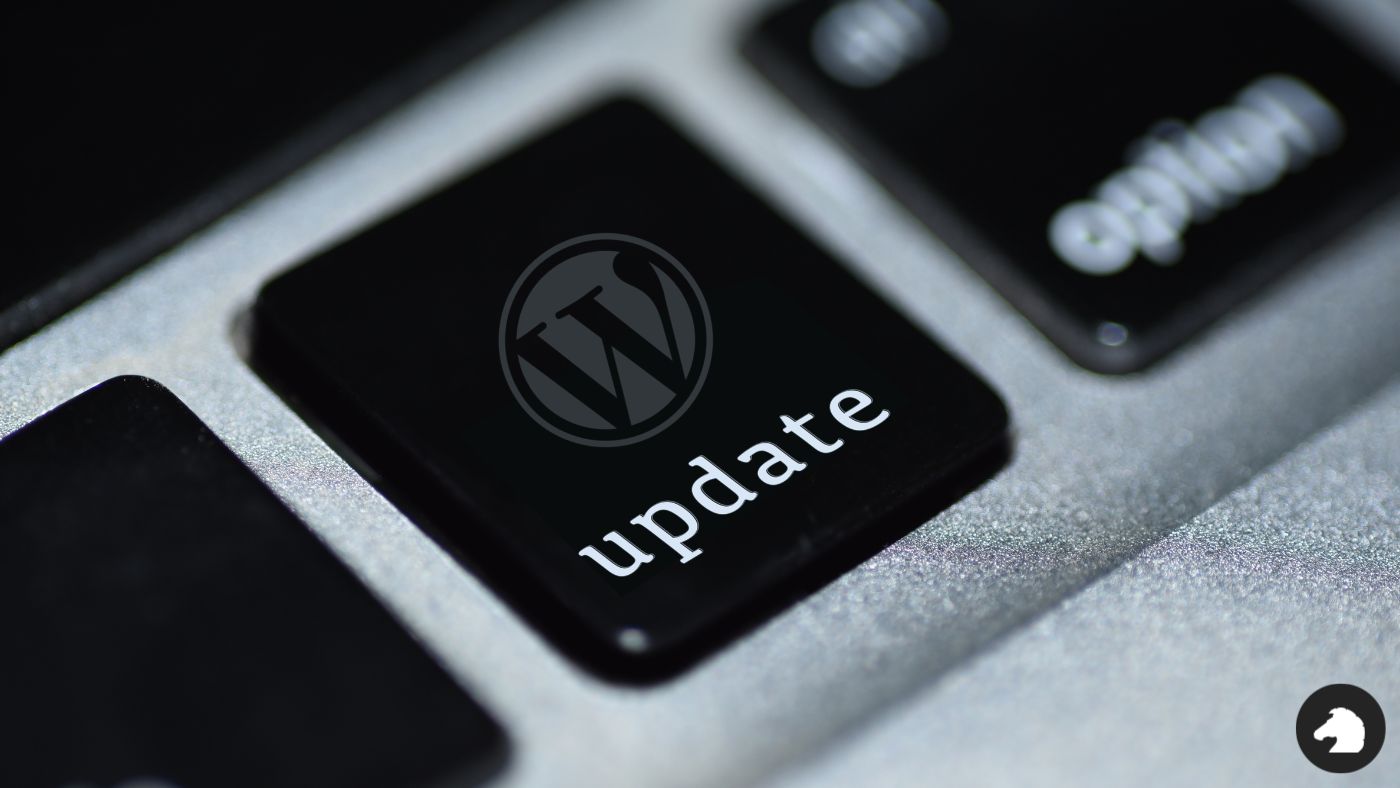
If you run a WordPress website, keeping it up to date is one of the simplest and most important things you can do to help keep it secure.
It can be tempting to ignore those little update notifications in your WordPress dashboard, particularly when your website seems to be working perfectly well. But updates aren’t just about new features. They regularly contain important security fixes, bug fixes and performance improvements.
And occasionally, those security updates are particularly important.
A timely reminder from WordPress
On 22 September 2026, WordPress released WordPress 7.1.2, a security release addressing a vulnerability rated as critical.
Under certain conditions, the vulnerability could allow an attacker who was not logged into a website to execute code on the server. WordPress recommended that website owners update their sites immediately.
Incidents like this are an important reminder that keeping your website updated isn’t just housekeeping. It’s part of looking after the security of your website.
It’s not just WordPress itself
A WordPress website usually consists of several moving parts:
- WordPress core
- Your theme
- Plugins
- The hosting environment your website runs on
Any one of these can receive security or maintenance updates.
Plugins are particularly important because they add functionality to your site and can have significant access to WordPress. WordPress itself recommends keeping plugins and themes updated to the latest available versions.
So, if your dashboard is displaying a growing collection of update notifications, it’s worth giving them some attention rather than letting them gather digital dust.
What should you be doing?
- Keep WordPress core updated
Log into your WordPress dashboard and check Dashboard > Updates regularly.
When WordPress releases a security update, don’t leave it sitting there unnecessarily. Security releases are designed to address known vulnerabilities, and once details of a vulnerability become public, keeping an affected version online can increase your exposure.
Where automatic WordPress security updates are enabled and supported, some updates may be applied automatically.
- Update your plugins and themes
Your plugins and themes need attention too.
Developers release updates to fix bugs, add compatibility with newer versions of WordPress and address security issues. WordPress also recommends having a backup available before carrying out plugin updates.
After updating, check the main areas of your website to make sure everything is working as expected.
- Remove things you aren’t using
If you’ve accumulated plugins or themes that you no longer use, consider removing them rather than simply leaving them inactive.
Every additional piece of software is something that needs to be maintained and monitored. A simpler WordPress installation is generally easier to keep on top of.
- Consider automatic updates
WordPress allows automatic updates to be enabled for individual plugins and themes.
For many websites, this can be a useful way of making sure important updates aren’t forgotten. WordPress provides these controls directly within the Plugins and Themes areas of the dashboard.
For more complex websites, particularly eCommerce sites or websites with bespoke functionality, you may prefer to test significant updates before applying them.
“My site is working fine. Do I really need to update it?”
Yes, you do!
One of the difficult things about website security is that an outdated website doesn’t necessarily look outdated. Your pages can load perfectly, your contact form can work and your online shop can continue taking orders while software in the background is several versions behind.
Updates help close known security vulnerabilities before they can become a problem.
Think of maintaining WordPress as an ongoing part of owning a website, rather than something you only need to look at when something stops working.
Take five minutes and check your website
If you haven’t logged into your WordPress website recently, now is a good time.
Open your WordPress dashboard and check:
- Is WordPress itself up to date?
- Are there plugin updates waiting?
- Does your theme need an update?
- Are there plugins or themes installed that you no longer use?
- Do you have a recent backup?
A few minutes of regular maintenance can save considerably more time if something goes wrong later.
Keeping on top of small updates now can make a big difference to the security and reliability of your website over time. If you’re a Blacknight customer and you’re unsure about anything related to your hosting setup, our support team is always happy to help point you in the right direction.
About the Author: Chloe Murray